0 (0 Ratings)

Effective Computer Use in the Construction Sector: Practical Techniques and BIM Fundamentals (2.6 CPD)

This training is designed for construction sector professionals who wish to develop their daily computer skills and acquire practical techniques to help increase work efficiency both in the office and on the construction site.

The objective is to provide practical knowledge and techniques that simplify the daily work of a construction professional and help increase work efficiency.

The training covers the fundamentals of computer use, the application of cloud services, and digital security topics. In addition, it provides an insight into AutoCAD and BIM/IFC workflows, helping to understand their role and application possibilities in daily work.

Participants will acquire knowledge and skills that help to better organize work processes, avoid common mistakes, and use modern technological tools with maximum efficiency. The course is suitable for both beginners and experienced computer users.

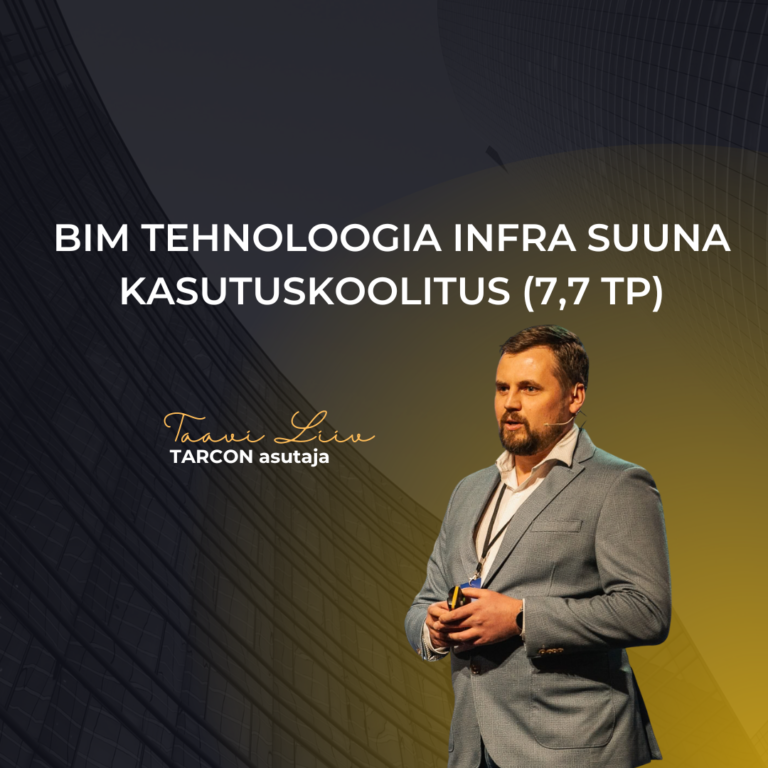
The training has been developed by TARCON’s leading BIM specialists Taavi Liiv (Chartered Civil Engineer, Level 7), Janno Otsmaa (Civil Engineer, Level 6), and Kert Aavere (Civil Engineer, Level 6).

The curriculum is approved by the Estonian Association of Civil Engineers, and completion of the course earns 2.6 continuing professional development (CPD) points.

The training is suitable for taking professional examinations, applying for qualification documents, or working in a profession where continuing education requirements are prescribed by legislation.

Upon successful completion of the training, a certificate will be issued to the participant. The prerequisite for receiving the certificate is the completion of the training in full and payment for the course.


What You Will Learn

  • Efektiivne arvutikasutus: Õpid kasutama Windowsit, Wordi ja Excelit eesmärgipäraselt ning omandad praktilised kiirklahvide ja töövõtete nipid, mis muudavad igapäevatöö kiiremaks ja mugavamaks.
  • Pilveteenused ja failihaldus: Saad teadmised pilveteenuste kasutamisest, failide turvalisest haldamisest ning versioonihalduse põhimõtetest.
  • Digitaalne turvalisus: Õpid kaitsma end küberohtude eest, kasutades turvalisi paroole, mitmeastmelist autentimist ning andmete varundamise parimaid praktikaid.
  • AutoCAD nipid ja töövood: Tutvud AutoCAD-i praktiliste käskude ja võimalustega (sh LISP-skriptid ja failide võrdlus), mis aitavad tööprotsesse oluliselt kiirendada.
  • BIM ja IFC failide käsitlus: Õpid tundma BIM-i põhimõtteid ja IFC-formaate ning kasutama erinevaid tarkvarasid mudelite ja dokumentide vaatamiseks ning haldamiseks.

Curriculum

Course introduction

  • Introduction
    04:05

General Computer Literacy – Windows, Excel, Word, Mouse, and Shortcuts
These four videos teach practical tips on how to use a computer more efficiently and save time, focusing on the features of Windows and Microsoft Office. The course covers file management, window snapping, and the use of keyboard shortcuts. It also demonstrates the optimization of Excel and Word workflows. All examples are based on real-world work projects, and the videos are paced calmly to make it easy to follow along.

Cloud services, digital security, and AutoCAD

BIM requirements, various IFC viewers and authoring software

Course summary

Reviews

No Review Yet
No Review Yet
Tasuta
Tasuta juurdepääs

Developed by

Taavi Liiv
Taavi Liiv
Diplomeeritud ehitusinsener, tase 7 • BIM koordinaator

Who is it for?

  • Eelarvestaja
  • Projekteerija
  • Arhitekt
  • Projektijuht
  • Projekteerimise projektijuht
  • Objektijuht
  • Konstruktor
  • Ehitusjärelevalve
  • Ehitusinsener
  • Kinnisvarahaldur

Prerequisites for the learner

  • Kursusel osalemiseks puuduvad eeltingimused ning see on kasulik igas tasemes arvutikasutajatele.